Start a session
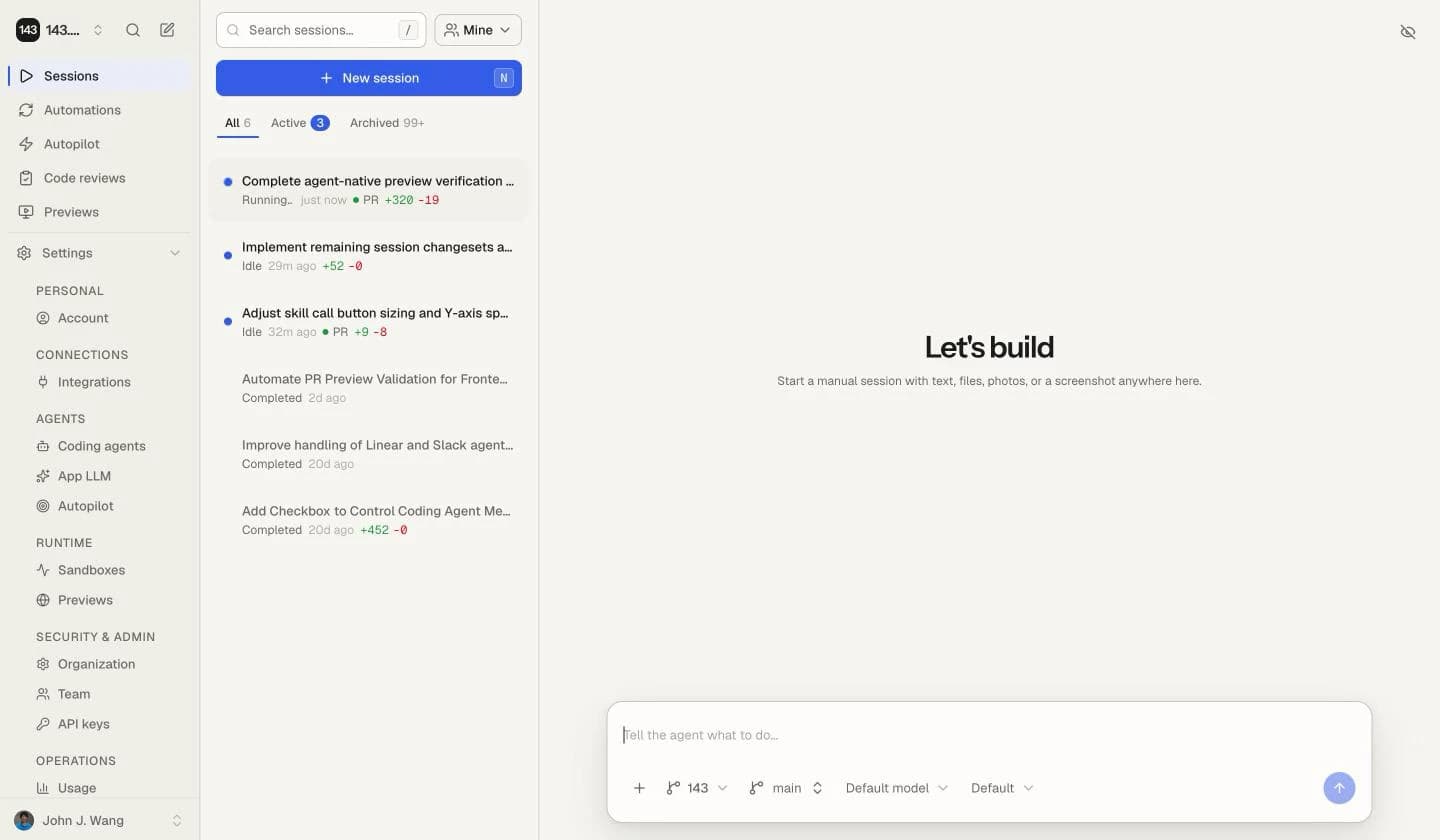
Start a manual coding-agent session with the right repo, branch, prompt, and context.
Use a session when you have a concrete repository change that should move from instruction to reviewable diff. The session owns the sandbox, transcript, branch, validation output, preview, and eventual PR.
Before you start
Have a clear task before you start:
- What should change?
- Which repo and branch should the agent use?
- What files, screenshots, issue links, or product context matter?
- How will you know the result is correct?
Start the run
Prompt shape
Good prompts state the outcome, constraints, and verification:
Fix the mobile overflow in the session detail header.

Constraints:
- Keep the existing desktop layout.
- Use existing shadcn components and theme tokens.
- Add or update tests for the mobile behavior.

Verification:
- npm run typecheck
- npm run lint
- npm run build
Follow-ups
Sessions are interactive. After a turn completes or pauses, send follow-up instructions instead of starting over. Follow-ups reuse the session context and can continue from the same sandbox when a checkpoint is available.
Inspect completed work
143 keeps active agent work expanded so you can follow commands, tool calls, and progress as they happen. After an uninterrupted period of work finishes, the transcript compacts that activity into a summary such as Worked for 2m 41s · 8 tool calls. Requests, answers, approvals, failures, and the agent's final response remain visible outside the summary.
Select an activity summary to expand the complete execution trace inline. Individual tool calls retain their own detail controls.
Use Activity detail in a session transcript to choose:
- Compact — collapse completed activity while keeping active work open.
- Detailed — keep every activity phase expanded, including older history loaded later.
The choice is saved to your account and follows you across sessions, browsers, and devices. You can also change it from Account settings → Appearance. Expanding or collapsing one summary is temporary and does not change the saved preference.
For agents
When automating against sessions, treat the session as the durable work object. Issues provide context, but the session owns execution state.